 jperez
Answer
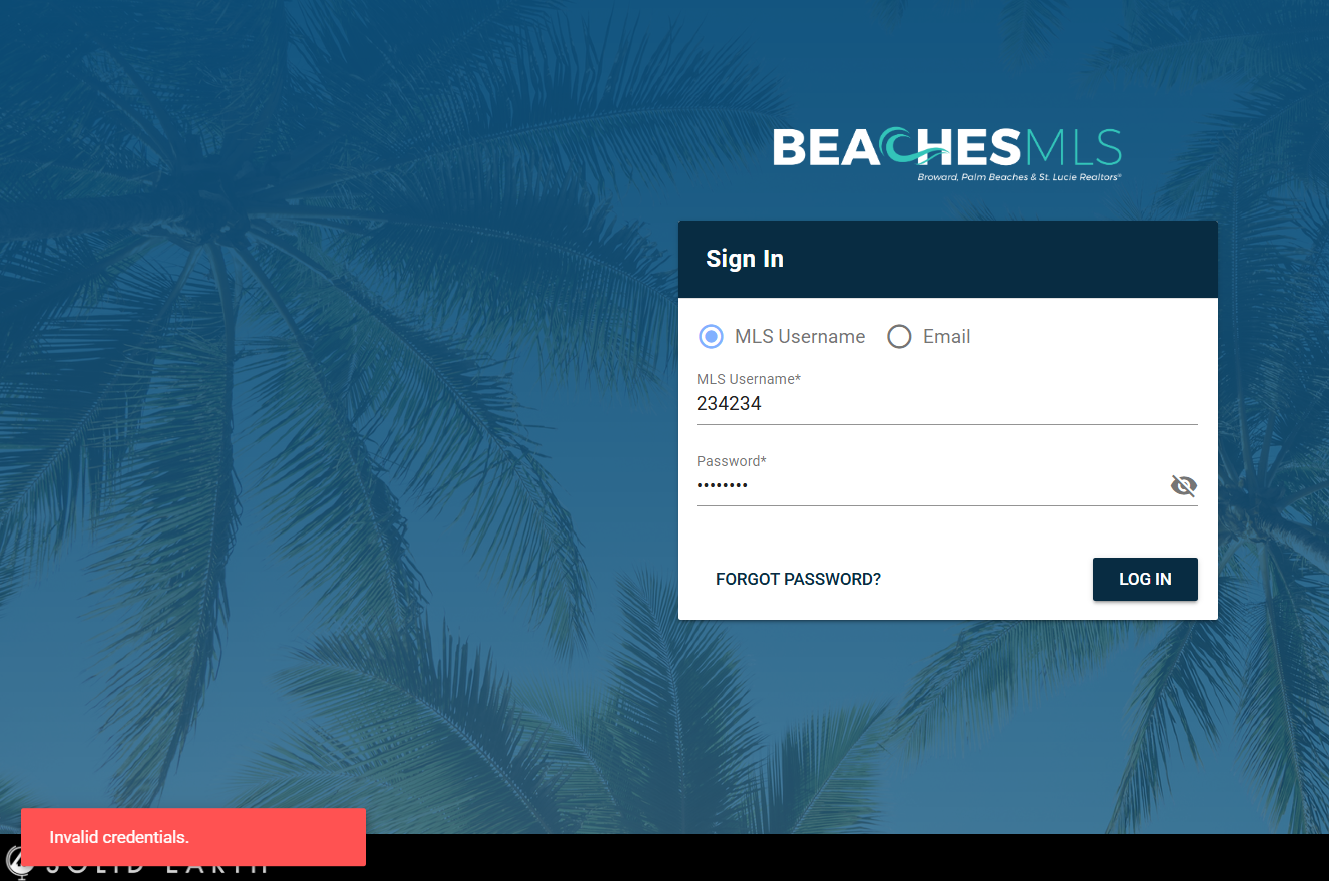
If you receive an “Invalid Credentials” error when logging in, try the following steps:
-
Remove Extra Spaces
- Place your cursor at the beginning of your username and press Backspace to delete any leading spaces.
- Move the cursor to the end of your username and press Backspace to remove any trailing spaces.
-
Verify Your Password
- Ensure your password is entered correctly without any extra spaces before or after.
- Remember that passwords are case-sensitive.
-
Reset Your Password
- If the error persists, reset your password using the “Forgot Password” link on the login page.
- If the error persists, reset your password using the “Forgot Password” link on the login page.
Need assistance?
If you still can’t log in, please Submit a Request or start a chat with our support team using the widget at the bottom right of your screen.